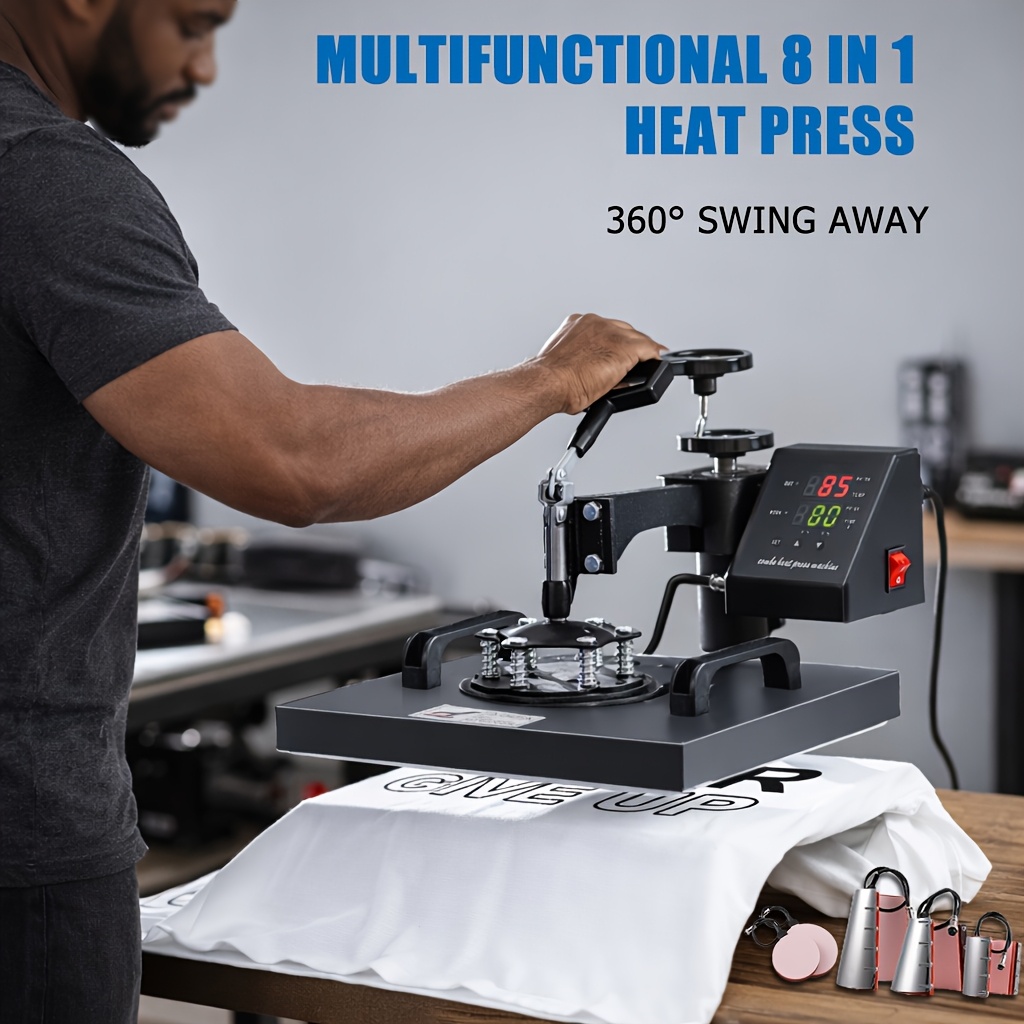
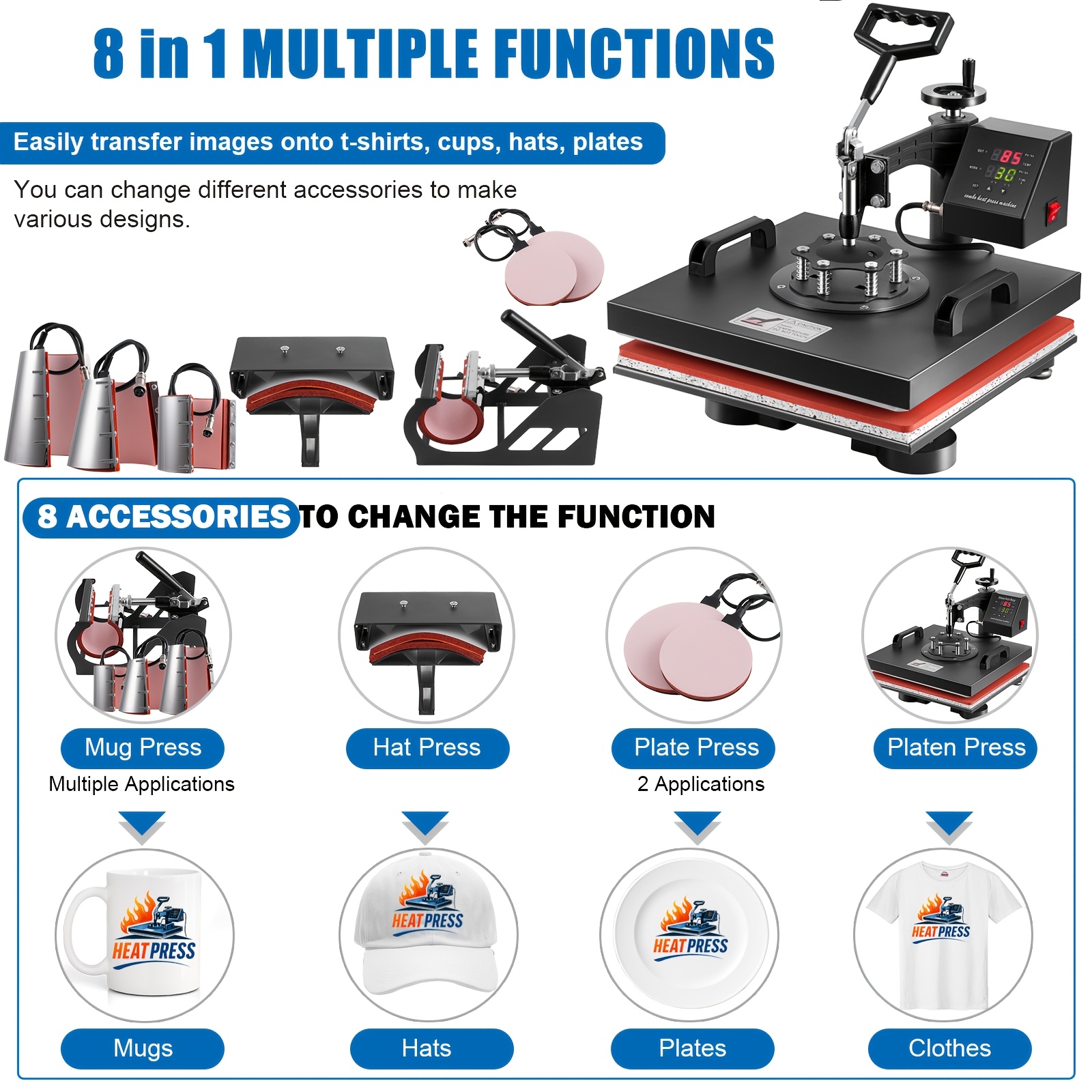
8-in-1 Heat Press Machine, Equipped with 15x15 Inch / 15x12 Inch Pressure Plates, 360° Rotating T-shirt Heat Transfer Machine, Digitally Controlled Dual LED Display, Suitable for Sublimation Transfer on T-shirts, Hats, Mugs, Plates, and Other Items


8-in-1 Heat Press Machine, Equipped with 15x15 Inch / 15x12 Inch Pressure Plates, 360° Rotating T-shirt Heat Transfer Machine, Digitally Controlled Dual LED Display, Suitable for Sublimation Transfer on T-shirts, Hats, Mugs, Plates, and Other Items
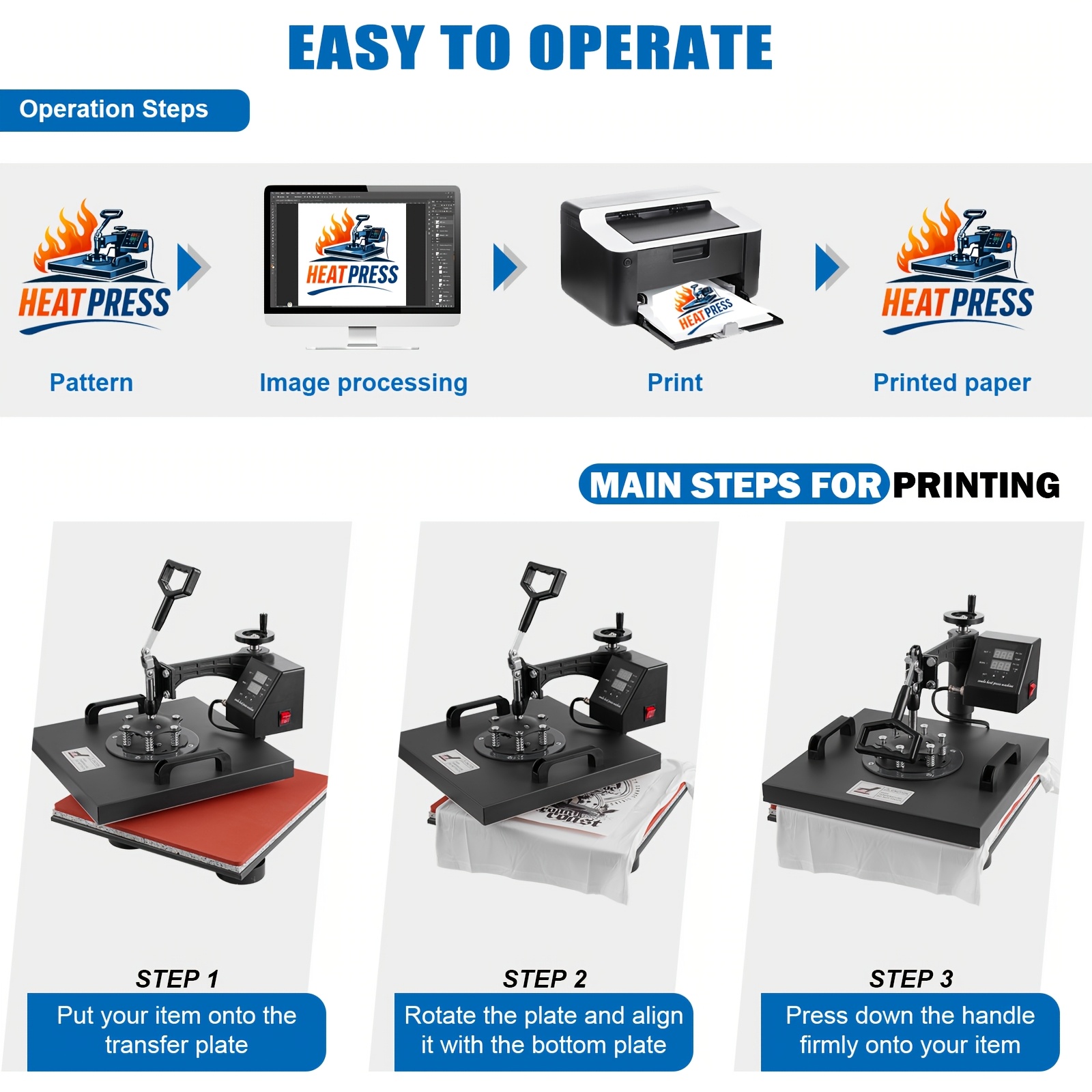
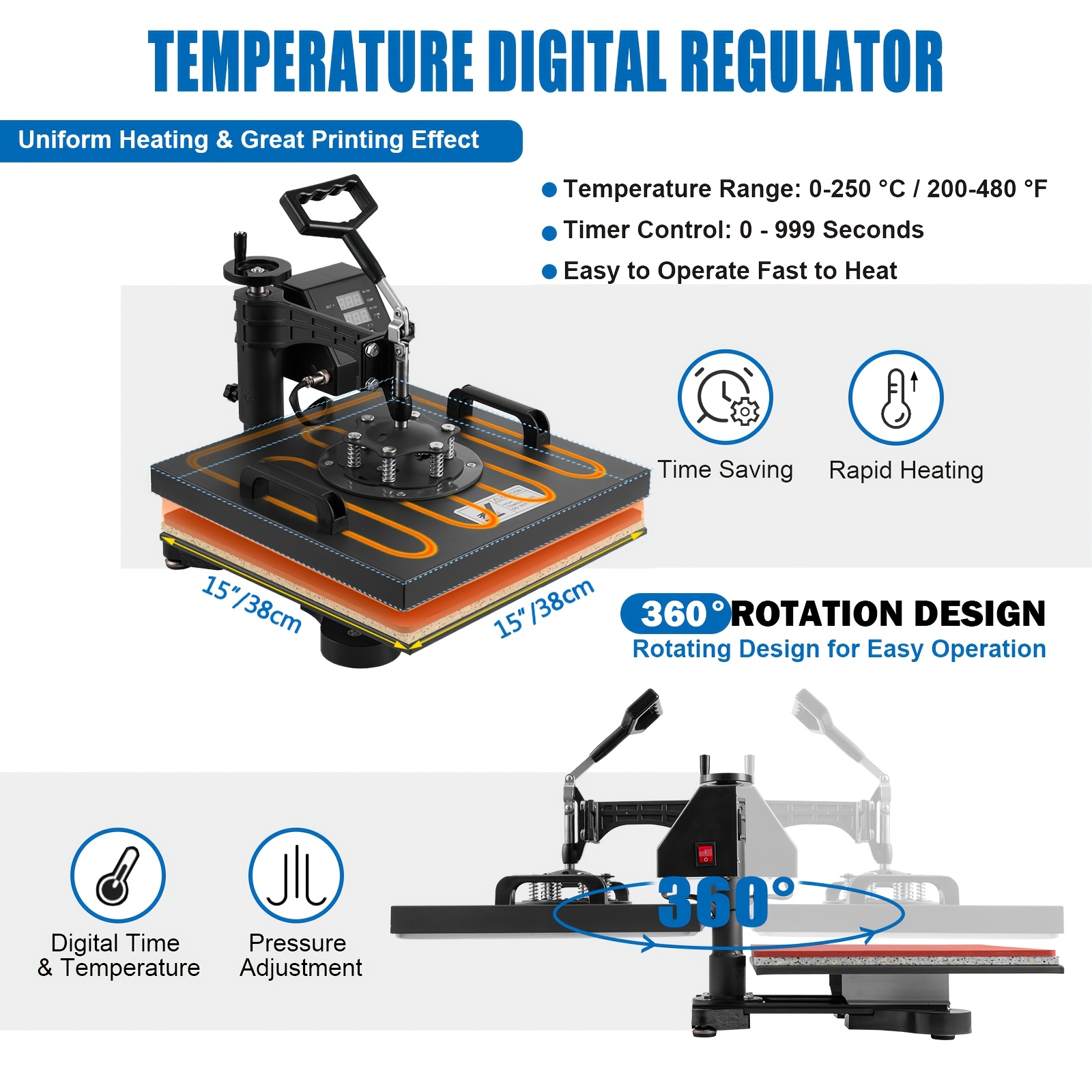
Features a 360° rotating design for positioning and operation during transfers.
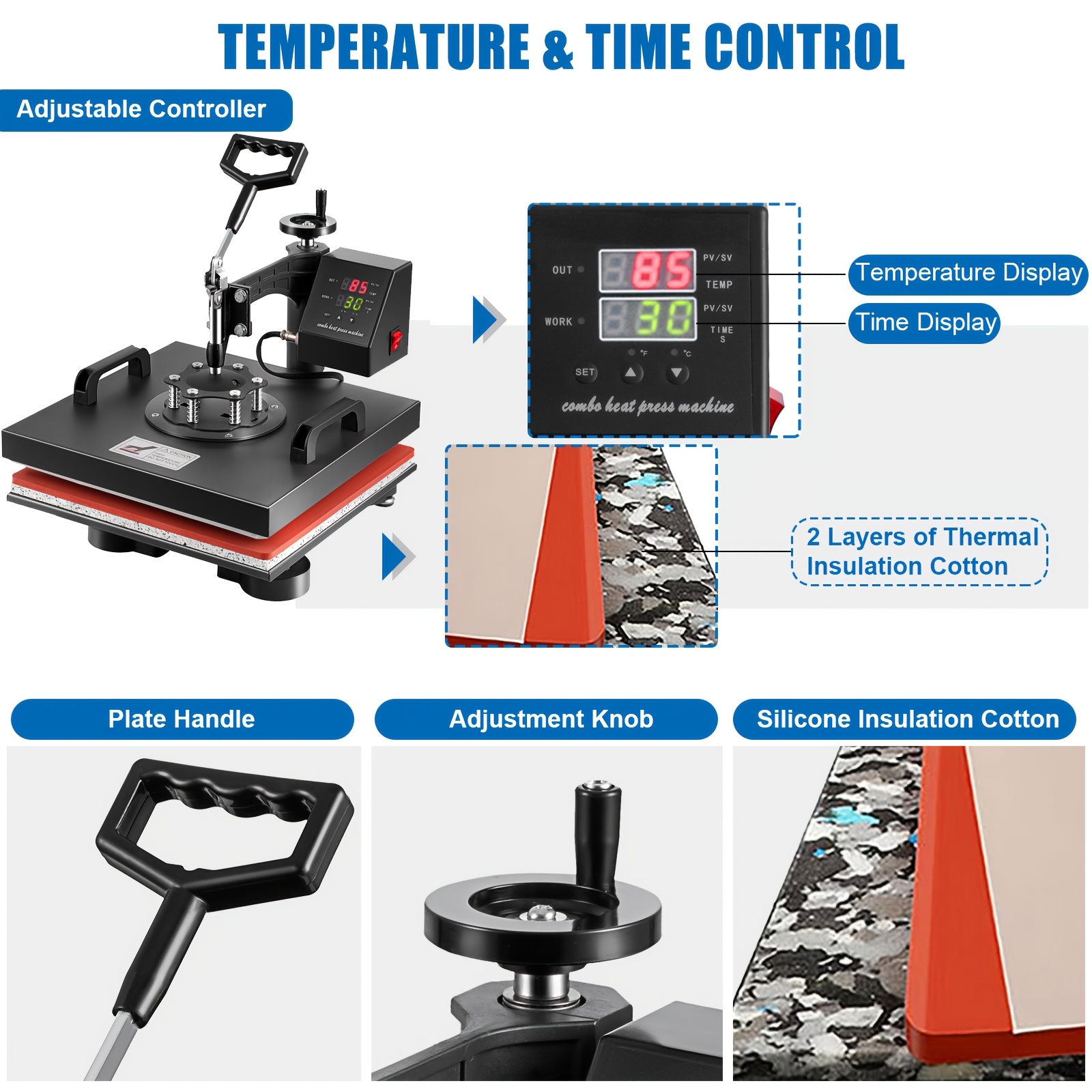
Digitally controlled with a dual LED display for temperature and time settings.
Color:BlackPower: 1400WProduct Dimensions:17.2"L x 15.7"W x 20.3"HItem Weight:48.06 PoundsTimer control:0 - 999 secondsAdjustable height:13 1/2" to 17"Cord length:4.5"T-shirt Press Plate:15" x 15"Upper Temperature Rating:450 Degrees Fahrenheit
Large 15" x 15" transfer elementDigital LED controllerFull 360-degree rotation of swing-away designFull-range pressure-adjustment knobTeflon-coated platen press element
How to USE1.Temperature setting:Press “SET”, the upper display will showing "SP", the lower of display will showing the temperature of last setting.Press UP or DOWN to adjust the temperature.2.Time setting:Double Press “SET”Buton, see the "S" on the upper screen and time on the lower screen. Press UP or DOWN to adjust the time.3.Start to coundown:Press the DOWN BUTTON to start to countdown